Introduction
MCSM is a self-hostable web app for spinning up and managing Minecraft servers. You configure a server in a guided wizard — type, version, memory, world settings, MOTD, operators and whitelist — and MCSM provisions it as a Docker container running the battle-tested itzg/minecraft-server image.
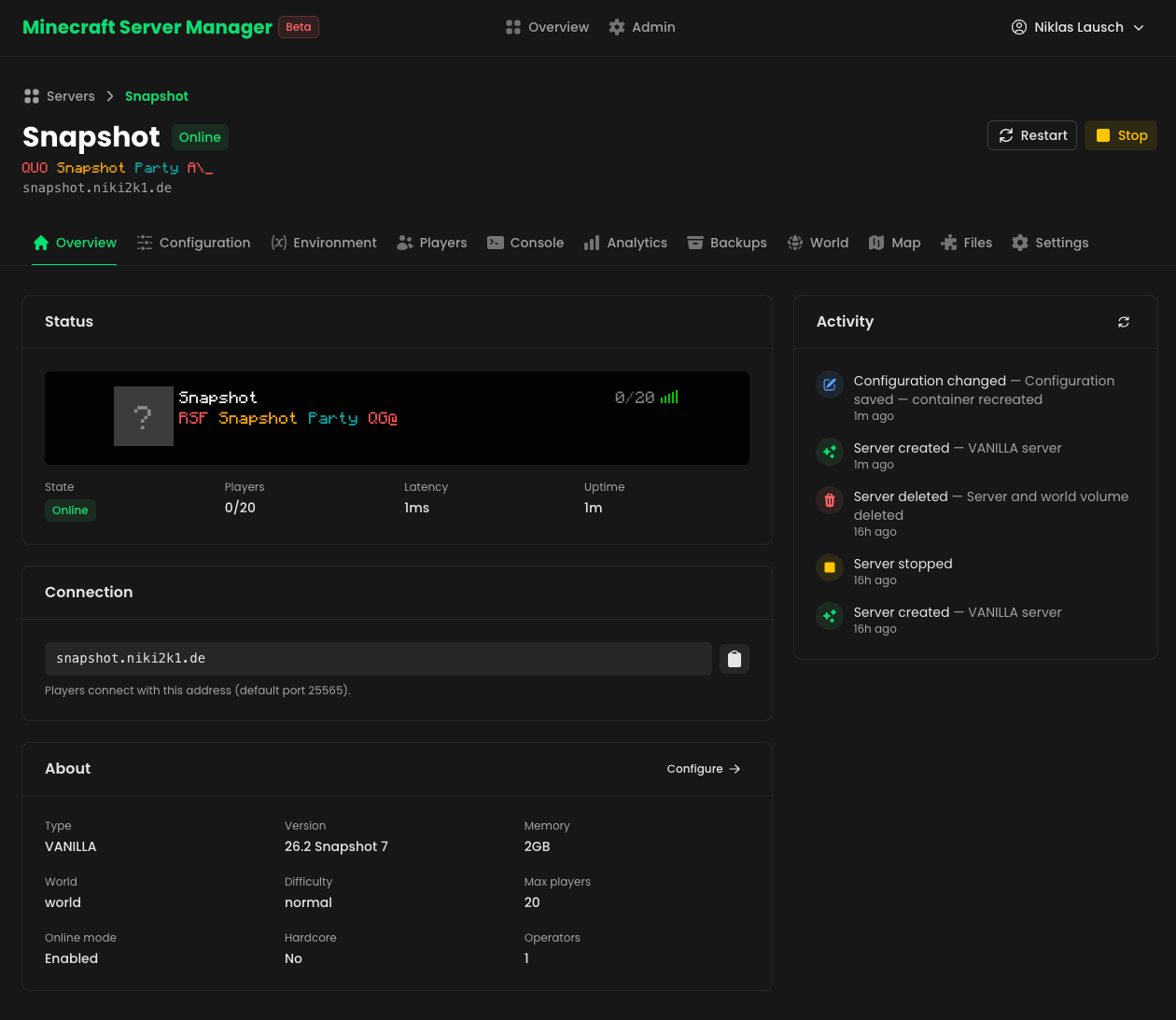
What you can do
- Create servers in minutes — a 4-step wizard covers Vanilla, Paper, Fabric, Forge, Feed The Beast and CurseForge modpacks.
- Manage everything from the browser — start, stop, restart, edit and delete servers; stream the console; manage players, mods and config files.
- Route by domain — each server gets its own domain (e.g.
survival.mc.example.com) handled by the Infrarust proxy. No ports to juggle, no proxy config files to maintain. - Keep your worlds safe — one-click world backups with download, upload and restore.
- Watch your servers — per-minute analytics for CPU, memory, network, latency and player counts.
- Go further — BlueMap 3D world maps, Chunky world pre-generation, a Modrinth browser with one-click installs, and more.
How it works
Your browser
The MCSM dashboard
MCSM
Nuxt + Nitro, self-hosted
Game clients
survival.mc.example.com
Infrarust proxy
Routes each domain to its container
survival
itzg/minecraft-server
creative
itzg/minecraft-server
modpack
itzg/minecraft-server
Each server is an ordinary labeled container with its world on a named volume — the full config lives in the mcsm.config label.
- You fill out the create wizard in the dashboard.
- MCSM creates a Docker container from the
itzg/minecraft-serverimage — every setting becomes an environment variable, the world lives on a named volume, and the container getsinfrarust.*routing labels. - Infrarust, watching the same Docker daemon, discovers the new container from its labels and starts routing its domain to it immediately.
Docker is the source of truth for server configuration: the full config is stored on the container as a label, so there's nothing to keep in sync. Everything that must survive container recreation — analytics history, the activity feed, backups, user accounts — lives in a local SQLite database.
When to use MCSM
Use MCSM when you:
- run Minecraft servers for friends, family or a community and want a clean web UI instead of SSH and shell scripts,
- want every server reachable under its own domain without managing proxy configs or exposing extra ports,
- already run Docker (or are happy to) and want servers to be ordinary, inspectable containers rather than an opaque runtime.
Next steps
- Install MCSM with Docker Compose or from source.
- Explore the features in detail.